
If Your Computer Time Keeps Resetting, Do This
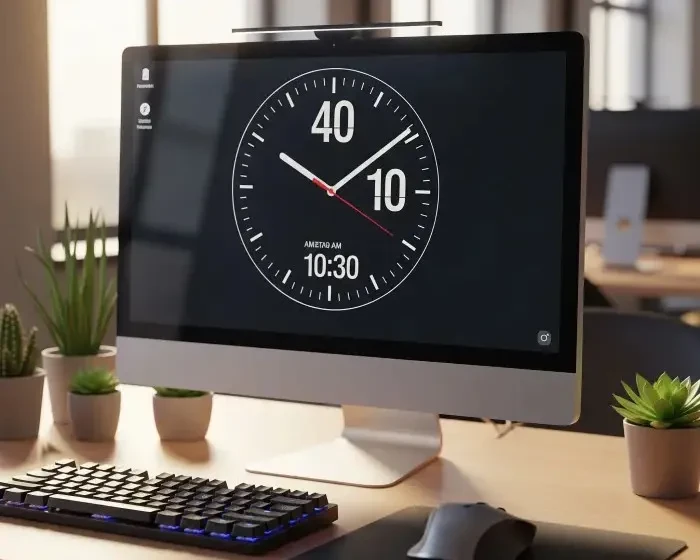
Imagine powering on your desktop computer in the morning, only to find the clock showing the wrong time again. You've corrected it before, yet every time you shut down and restart, it stubbornly goes back to the wrong time. Frustrating, right?
If your desktop time keeps resetting after shutdown, even after you manually correct it, there's a very specific culprit to blame ? and thankfully, it's easy to fix.
Most PC users are unaware that their computer's ability to remember the time and BIOS settings when turned off relies on a tiny component: the CMOS battery. This small coin-cell battery sits on your motherboard and powers the Real-Time Clock (RTC) and basic firmware settings when your machine is unplugged or shut down.
When this battery dies, your computer forgets what time it is ? and often more.
If this sounds familiar, then it's time to replace your CMOS battery.
This is a DIY fix ? no technician needed. The battery typically costs less than KSh 200 or 1.50.
After replacing the CMOS battery, you'ii need to reconfigure the time settings:
Once that's done, your PC should now remember the time, even after being turned off.
To keep your clock accurate to the second, you can enable automatic time syncing with an internet server:
If you often travel across time zones or use your PC offline for extended periods, syncing your clock weekly can prevent software errors or SSL security warnings caused by incorrect system time.
If the time is still correct, congratulations! Your CMOS battery replacement was successful.

If you've replaced the CMOS battery and the time still resets, consider these advanced issues:
There's no need to put up with a constantly wrong system time. A simple CMOS battery swap can restore your PC's memory and save you hours of frustration. Best of all, it's cheap, easy, and entirely safe to do at home.

Did this fix work for you? Share your experience in the comments, or check out our full desktop troubleshooting guides for more DIY solutions.
? Related Reads
- How to Speed Up a Slow Desktop PC
- Why Won't My PC Turn On? Fixes That Actually Work
- You May Want to Explore Other Topics



Recommended Affiliate Resources






You May Also Like

Will AI Replace Programmers?
The rise of artificial intelligence (AI) has many programmers asking a pressing question: "Will my job be…
Read More »
The Complete Guide to Laptop Overheating
Few things frustrate computer users more than a laptop that suddenly becomes hot, noisy, and painfully slow.…
Read More »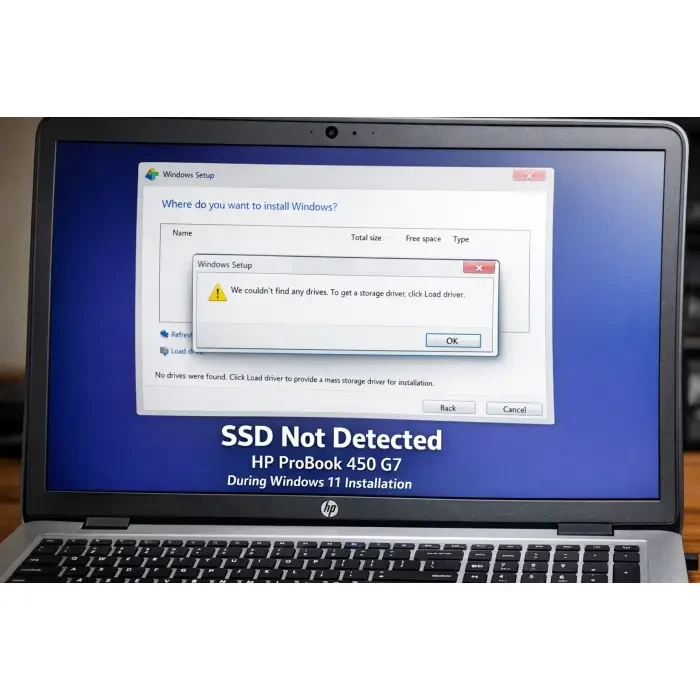
HP ProBook 450 G7 SSD Not Detected During Windows 11 Installation
Few things are more frustrating than preparing everything correctly for a clean Windows installation, only to…
Read More »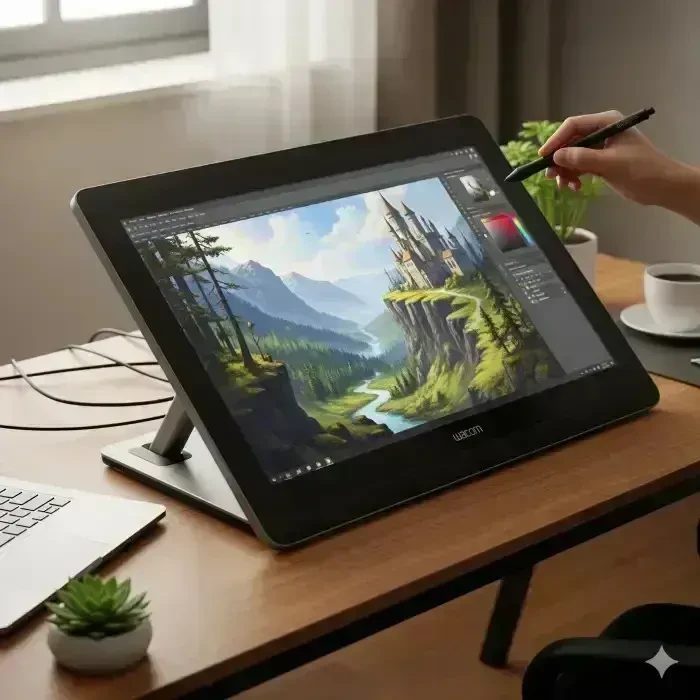
Best Creative Artist Companion: Wacom Cintiq Pro Series Review
Wacom Cintiq Pro Series Review Discover why the Wacom Cintiq Pro Series is the preferred choice for creative…
Read More »
Galaxy S25 FE Review: Why It’s the Perfect Smartphone
Discover why the Galaxy S25 FE is the perfect blend of premium features and budget-friendly pricing. In the…
Read More »
Why Won’t My PC Turn On? Fixes That Work
One moment, your desktop is humming along just fine; the next, the power button does absolutely nothing. No…
Read More »Traffic Coop Earnings
Ready to Monetise Your Traffic?
Stop letting your visitors slip away without value. With the LeadsLeap Co-op, you can turn every click into income. Join through my link below and I’ll personally share my tips for getting started fast.
Join My LeadsLeap Co-op Now
About the Author
Hello, I'm Patrick Wilson — an entrepreneur, artist, and storyteller driven by curiosity and passion. Through this blog, I explore and share meaningful content around a wide spectrum of lifestyle and success topics that matter to everyday people looking to live better, earn more, and grow intentionally.
From building a personal brand and making money online through proven digital strategies, to navigating the journey of personal finance and wealth-building — I bring real-world insights and tools to help you take control of your financial future.
I also document my pursuit of a healthy, balanced life — sharing inspiration around achieving fitness goals and living with purpose. As someone who appreciates both the aesthetic and the soulful, I dive deep into fine art, cultural history, and the enriching nuances of everyday lifestyle.
Whether I'm exploring breathtaking travel destinations across the globe or tending to the joys of home and garden, I aim to bring beauty, clarity, and useful ideas to every post.
If you're passionate about growth — financially, creatively, or personally — this blog is designed to inspire and support your journey.
Thanks for being here — let's grow together.