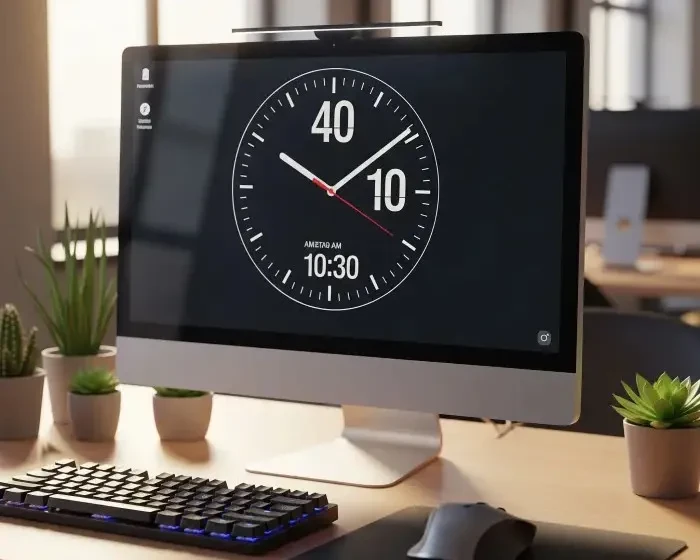
 A better way to approach If Your Computer Time Keeps Resetting, Do This is to start with the real-world context rather than a generic opening. This post keeps the focus on scope, assumptions, trade-offs, and the practical decision the reader is trying to make. Imagine powering on your desktop computer in the morning, only to find the clock showing the wrong time again. You've corrected it before, yet every time you shut down and restart, it stubbornly goes back to the wrong time. Frustrating, right? If your desktop time keeps resetting after shutdown, even after you manually correct it, there's a very specific culprit to blame and thankfully, it's easy to fix. Most PC users are unaware that their computer's ability to remember the time and BIOS settings when turned off relies on a tiny component: the CMOS battery. This small coin-cell battery sits on your motherboard and powers the Real-Time Clock (RTC) and basic firmware settings when your machine is unplugged or shut down. When this battery dies, your computer forgets what time it is and often more. If this sounds familiar, then it's time to replace your CMOS battery. This is a DIY fix no technician needed. The battery typically costs less than KSh 200 or 1.50. After replacing the CMOS battery, you'ii need to reconfigure the time settings: Once that's done, your PC should now remember the time, even after being turned off. To keep your clock accurate to the second, you can enable automatic time syncing with an internet server: If you often travel across time zones or use your PC offline for extended periods, syncing your clock weekly can prevent software errors or SSL security warnings caused by incorrect system time. If the time is still correct, congratulations! Your CMOS battery replacement was successful. If you've replaced the CMOS battery and the time still resets, consider these advanced issues: There's no need to put up with a constantly wrong system time. A simple CMOS battery swap can restore your PC's memory and save you hours of frustration. Best of all, it's cheap, easy, and entirely safe to do at home. Did this fix work for you? Share your experience in the comments, or check out our full desktop troubleshooting guides for more DIY solutions.
Related Reads
- How to Speed Up a Slow Desktop PC
- Why Won't My PC Turn On? Fixes That Actually Work
- You May Want to Explore Other Topics
Details that would make this page more useful
If Your Computer Time Keeps Resetting, Do This is short enough that readers may need more context before acting. The page should clarify scope, assumptions, trade-offs, and the practical decision the reader is trying to make and include at least one practical example, one limitation, and one situation where the advice is not the right fit.
- Useful distinction: explain how this topic differs from a broader category page.
- Practical implication: show what the reader should check before spending money or changing behaviour.
- Limit: state what the article cannot prove without current sources, expert input, or local context.